Online since 2004  |  Laser focused. Family owned.  |  Lavon, Texas since 2023

Made in Texas  ★  Ships across the U.S. & Canada

New from Armstrong Software

EVERY FILE NAME.
SPELLED RIGHT.

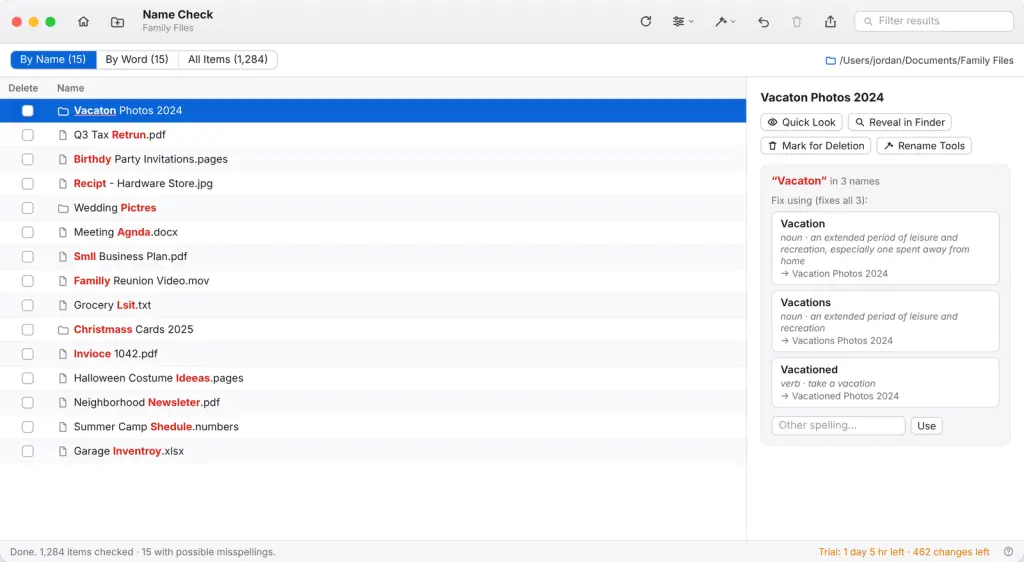
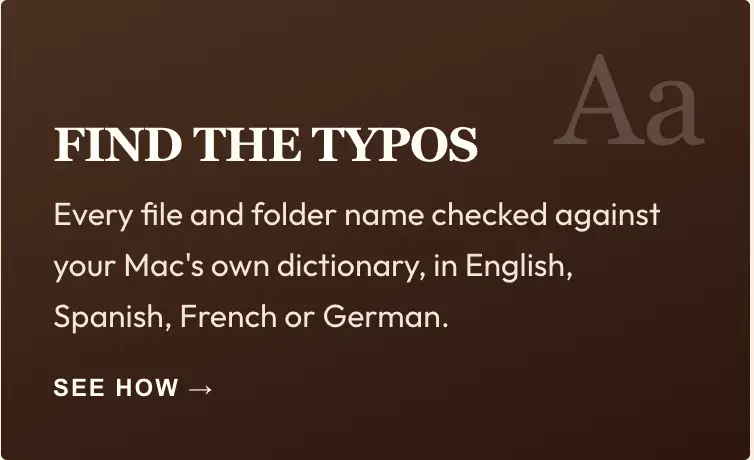
Name Check finds the typos hiding in your Mac’s file and folder names, shows the misspelled word in red, and fixes it everywhere at once.

FIND
FIX
TIDY
UNDO

2-Day

Free Trial

500

FREE CHANGES

MAC

APPLE SILICON · macOS 13+

Undo

EVERY CHANGE

Private

FILES NEVER LEAVE YOUR MAC

Features

Everything you need to tidy up names

1

Misspellings in red

“Q3 Tax Retrun.pdf”. The wrong word stands out right inside the name.

2

Pick the right word

Each misspelled word comes with suggested spellings and their meanings, so you can pick the right one.

3

Smart about capitals

Catches BirthDay, VACATON and words run together, and leaves iPhone and IRS alone.

4

Rename tools

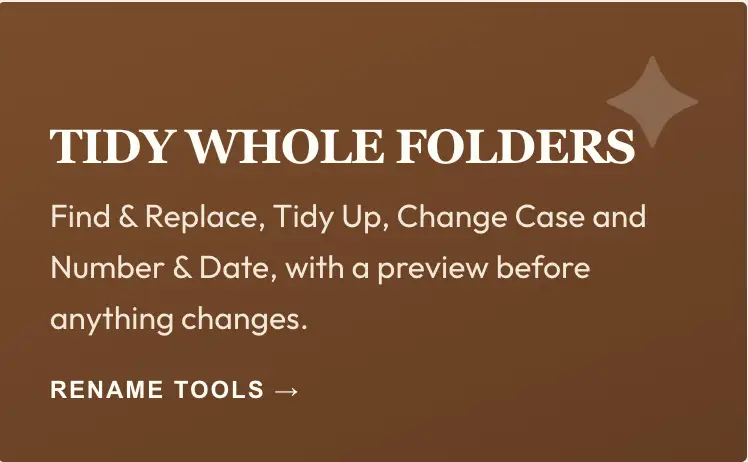
Tidy Up turns house-car into House – Car, removes “copy” and “(1)”, and more.

5

Home screen

Switch between folders you’ve checked and see every name change from this session.

6

Clean up safely

Tick the copies you don’t need and move them to the Trash in one step.

7

Undo everything

Every rename and deletion can be undone, and every change is saved in a log.

8

Your stats

See how many files and folders you’ve fixed, this session and all time.

More than file names… they're your memories.

“Vacaton Photos 2024” and “Birthdy Party” are hard to find and look careless when you share them. Name Check fixes them in seconds, right on your Mac.

People
Places
Memories
Spelled Right

How it works

Four steps to clean names

1

Choose a folder

Click Choose Folder, drop one on the window, or right-click it in Finder.

2

See what’s wrong

Misspelled words show in red, with suggestions and their meanings.

3

Fix it everywhere

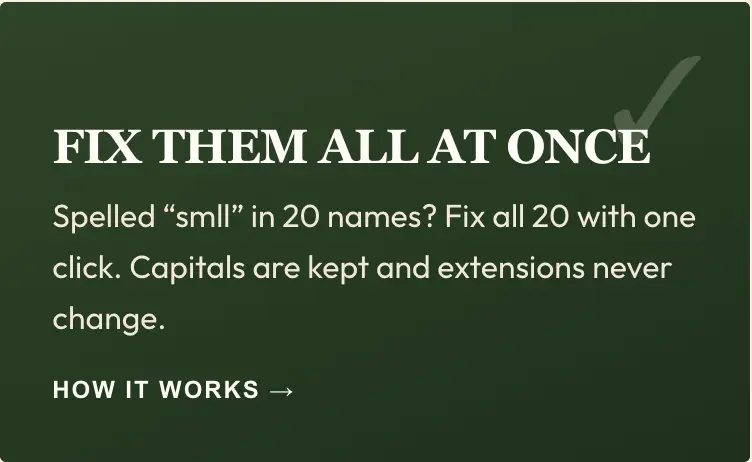
One click fixes a word in every name that has it.

4

Undo any time

Changed your mind? Undo puts every name back.

TRY IT, THEN BUY IT

FREE TRIAL & LICENSE

FREE TRIAL

2 days or 500 changes, whichever comes first

  • Every feature unlocked
  • The time and changes left show in the app
  • No account or card needed

NAME CHECK LICENSE

One-time purchase

  • Every feature unlocked
  • No time or change limits
  • Paste your license into Name Check ▸ License… and click Activate

Help

QUESTIONS & ANSWERS

Which Macs does Name Check run on?

Macs with Apple silicon (M1 or later) running macOS 13 Ventura or newer.

After 2 days or 500 changed names, whichever comes first, Name Check switches off until you enter a serial number. Buy a license and paste the Name and Serial lines from your email into Name Check ▸ License….

No. Names only change when you click a fix or confirm a preview, deleted items go to the Trash, and Undo reverses any change.

Never. .pdf, .jpg, .docx and every other extension stay exactly as they are.

Click Add to My Word List and Name Check won’t flag that word again. Family names and business names are common examples.

No. It works entirely on your Mac. Nothing is uploaded or shared.

Custom Made

START YOUR CUSTOM ORDER

Tell us what you have in mind and we’ll come back to you with options, pricing and a timeline. Engraved in Lavon, Texas — shipped across the US and Canada.